09.06.2026 by Viktor Siebert
Repair of a Mitsubishi MDS-D-V1-20 Servo Drive Unit with Power Supply Failure and Alarm 12 Memory Error
When this Mitsubishi MDS-D-V1-20 arrived at our workshop, the customer’s fault description initially seemed very straightforward: the unit would not power up at all. No display, no response and no communication with the machine control.
For this type of failure, our diagnostic process always starts with the power supply electronics. During the first visual inspection, signs of a fault within the internal power supply section were already visible. The unit was then completely disassembled and subjected to a detailed investigation.
After extensive measurements, the suspicion was confirmed. Several components within the internal power supply were no longer operating within specification. As a result, the required operating voltages for the processor, memory and communication circuits could no longer be generated reliably.
The defective components were replaced, the power supply section was completely rebuilt and subsequently tested again.
After the first successful startup, the repair initially appeared to be complete. The unit powered up again and showed signs of life for the first time.
However, this was exactly the point where the real challenge began.
During further commissioning, Alarm 12 suddenly appeared.
According to the Mitsubishi manual, this alarm indicates a memory fault or hardware error detected during the internal self-test. This means that the CPU identifies irregularities within the memory management or control electronics during startup.
In practice, Alarm 12 is often interpreted as a total failure. Many units are replaced immediately, even though the actual cause is frequently limited to individual components on the control board.
Our technicians therefore started an advanced analysis of the RM111C-21 control board.
Through systematic signal tracing, voltage analysis and comparative measurements, several defective electronic components responsible for memory management and communication logic were identified.
After replacing these components, the board was tested again.
Alarm 12 disappeared completely.
Following this repair, the entire servo drive underwent a comprehensive overhaul.
This included:
- Verification of all relevant supply voltages
- Rework of critical solder joints
- Inspection of all connectors
- Cleaning of cooling surfaces
- Examination of thermally stressed components
- Testing of communication interfaces
After completion of the repair work, the unit was operated on our Mitsubishi MDS test bench.
The following tests were carried out:
- Multiple power-up cycles
- Communication tests
- Temperature monitoring
- Load testing
- Long-term operation test
No further alarms or warnings occurred throughout the complete test procedure.
The most interesting aspect of this repair case was the fact that two completely independent faults were present.
The first fault prevented the unit from powering up.
Only after that fault had been repaired did the second fault become visible and trigger Alarm 12.
Cases like this demonstrate why a repair must never be considered complete after the first apparent success. Only comprehensive functional testing under realistic operating conditions can confirm that all faults have truly been eliminated.
After successfully completing all tests, the Mitsubishi MDS-D-V1-20 was returned to the customer.
Preventive Measures for the Customer
- Clean the electrical cabinet regularly
- Inspect cooling fans every 2 to 3 years
- Remove dust from heat sinks
- Check connectors annually
- Document supply voltages
- Inspect capacitors after approximately 15 years of operation
- Perform regular insulation testing
- Monitor cabinet temperatures
Conclusion
This repair case clearly demonstrates that what initially appears to be a simple failure can often involve multiple independent faults.
Only after restoring the power supply section was the actual memory fault revealed. By repairing both the power supply and the control board, the Mitsubishi MDS-D-V1-20 was fully restored and returned to reliable operation.
Thorough diagnostics, preventive refurbishment and extensive testing remain the key factors for long-term reliability and maximum machine availability.
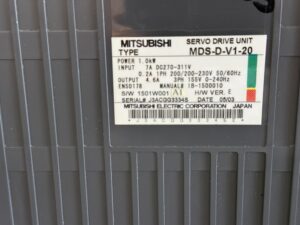
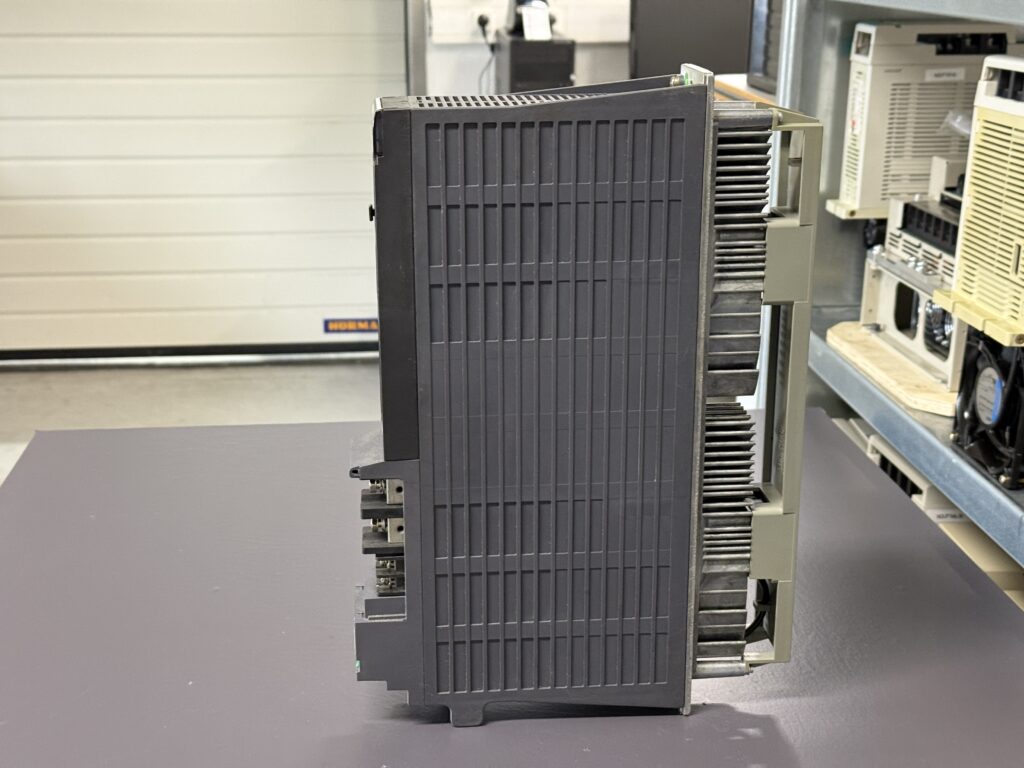
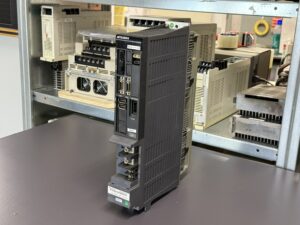
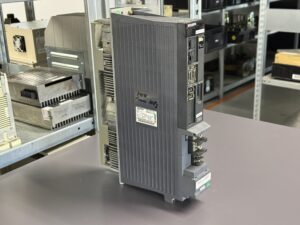
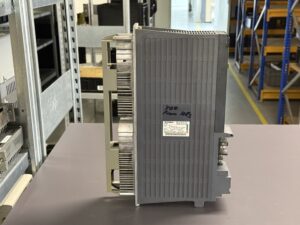
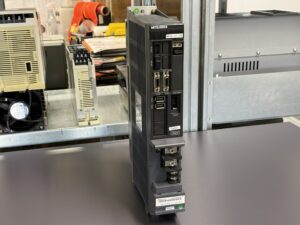
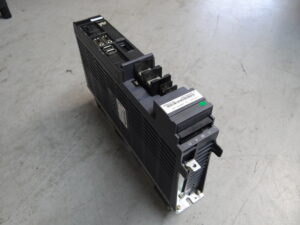
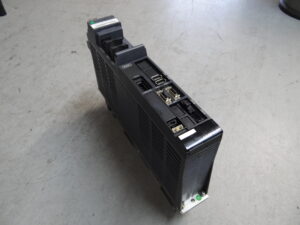
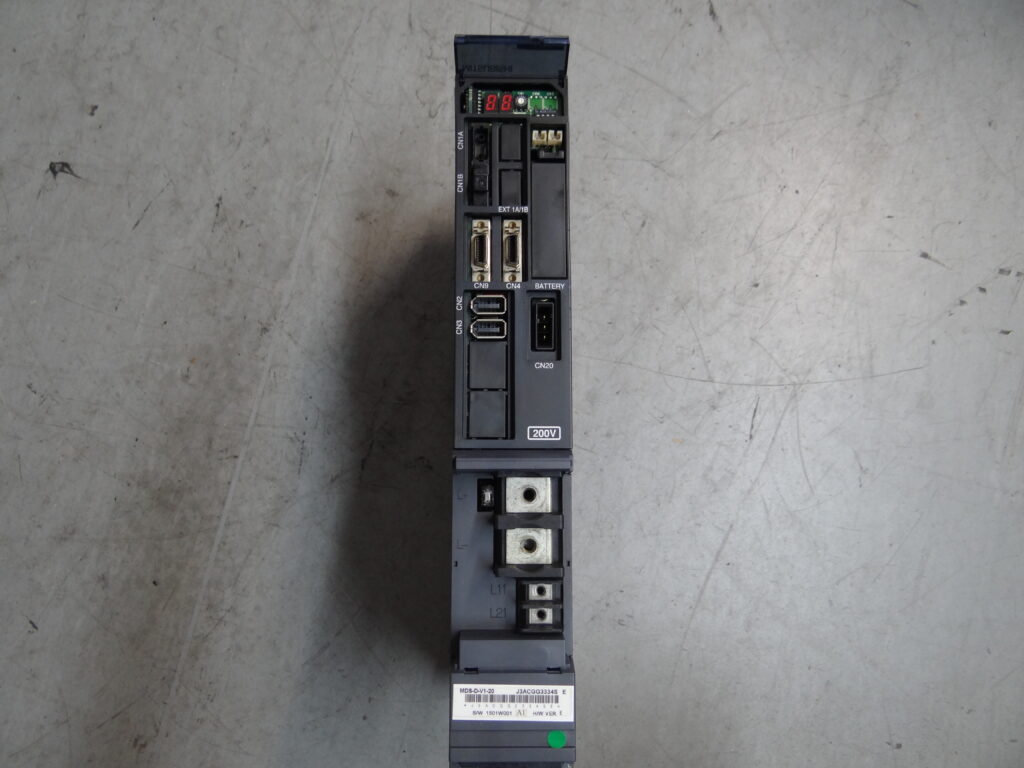
To mentioned Mitsubishi Drive: Mitsubishi Servo Drive Unit MDS-D-V1-20
More details about our Mitsubishi repair services can be found here:
Mitsubishi drive Repair by Industrypart
📞 Feel free to contact us with any questions about your Mitsubishi drive technology.
Our expert team is happy to help!
Technical Specifications
| Feature | Value |
|---|
| Model | Mitsubishi MDS-D-V1-20 |
| Device Type | Servo Drive Unit |
| Power Rating | 1.0 kW |
| DC Input | 270 to 311 VDC, 7 A |
| AC Control Input | Single phase 200 to 230 VAC, 0.2 A, 50/60 Hz |
| Output | Three phase 155 V, 4.6 A |
| Output Frequency | 0 to 240 Hz |
| Hardware Version | E |
| Software Version | 1501W001 |
| Manufacturing Date | 05/2003 |
| Manufacturer | Mitsubishi Electric |
| Manual Reference | IB-1500010 |
| Cooling | Heat sink with forced ventilation |
| Weight | Approx. 4 to 6 kg |
| Series | Mitsubishi MDS-D Servo System |
The nameplate data was taken directly from the submitted unit. Alarm and fault information originates from the MDS-D/DH Instruction Manual.
Operating Environment & Compatible Equipment
The Mitsubishi MDS-D-V1-20 was installed in numerous Mitsubishi CNC machine tools. Typical applications include:
- Feed axes of machining centers
- CNC lathes
- Grinding machines
- Tool changers
- Ball screw drives
- Positioning axes
Compatible with Mitsubishi MDS-D Power Supply Units and Mitsubishi AC servo motors of the same generation.
Functional Description
The MDS-D-V1-20 controls a single servo axis. The controller receives position and speed commands from the CNC and converts them into precise motor currents.
Its main functions include:
- Current control
- Speed control
- Position control
- Encoder evaluation
- Communication with CNC and Power Supply
- Monitoring of temperature, current and voltage
- Protection against overload, overcurrent and memory faults
One particularly important feature is the internal self-diagnostic routine during power up. Memory areas, processor functions and communication paths are checked immediately after startup. If a fault is detected during this procedure, Alarm 12 “Memory Error” is generated.
Alarms & Troubleshooting
| Alarm | Description | Cause | Solution |
|---|
| 10 | Low Voltage | DC bus voltage too low | Check power supply |
| 12 | Memory Error | Hardware fault during self test | Repair or replace control board |
| 17 | A/D Converter Error | Current measurement fault | Check electronics |
| 18 | Encoder Communication Error | No communication with encoder | Check cable and encoder |
| 24 | Ground Fault | Motor cable connected to ground | Check insulation |
| 30 | Regeneration Error | Regenerative resistor overloaded | Check braking circuit |
| 32 | Power Module Overcurrent | IGBT or motor fault | Check power stage |
| 33 | Overvoltage | DC bus voltage too high | Check braking circuit |
| 3B | Power Module Overheat | Insufficient cooling | Check fan and heat sink |
| 45 | Fan Stop | Cooling fan failure | Replace fan |
| 50 | Overload 1 | Motor or drive overloaded | Reduce load |
| 51 | Overload 2 | Continuous high current | Check axis mechanics |
| 71 | Instantaneous Power Interruption | Voltage drop | Check power supply |
| 72 | Power Supply Fan Fault | Power supply cooling fan failure | Replace fan |
Alarm 12 is defined in the Mitsubishi manual as a hardware fault detected during the power-on self-test. Typical causes are internal memory or processor faults.
Components
| Assembly | Designation | Function | Notes |
|---|
| Control Board | RM111C-21 / BN638A503G51 | Regulation and communication | Common source of Alarm 12 |
| Power Board | RM162A-V1 / BN638A394G51C | Power stage and current control | Main power section |
| Power Module | MP04-DH-V1-20 | Motor drive stage | Overcurrent protection |
| Power Supply Section | Integrated | Supplies all electronics | Frequent failure source |
| Heat Sink | Integrated | Heat dissipation | Clean regularly |